Most website projects that go wrong don’t go wrong in the design stage. They go wrong in the first week, when nobody wrote down what the site was for. The designer guesses, the business owner reacts, and three rounds of revisions later everyone is tired and the budget has quietly gone. A proper website brief stops that happening.
It doesn’t need to be long or clever. It needs to answer the questions your designer will otherwise have to ask, and it needs to be honest about what you actually want the site to do.
January is a good time to write a website brief. You’ve probably been thinking about the new year’s plans anyway, and a brief forces those plans into something specific.
Start with the job, not the look
What the site needs to achieve
The single most useful line in any website brief is the one that says what the website needs to achieve. Not “look modern” or “be more professional”, but a real outcome. More enquiries for a specific service. Fewer phone calls asking the same three questions. Online sales of a product you currently sell in person. Recruiting staff.
If you have more than one goal, rank them. A site that tries to do everything with equal weight usually does nothing particularly well. Your designer can make better decisions about layout, content and calls to action when they know which goal wins in a tie.
Who is the site for
Describe the people you want to reach in plain terms. Who are they, what problem brings them to you, and what do they need to know before they’ll get in touch? A plumber’s customers at 7am with a burst pipe want very different things from a facilities manager comparing maintenance contracts.
Write down the questions customers ask you most often. Those questions are a ready-made content plan, and they tell your designer what needs to be easy to find.
What to include in your website brief
Keep it to a few pages. Cover these points and you’ll have covered most of what matters:
- About the business: what you do, where you work, what makes you different in a sentence or two.
- Goals: ranked, and ideally with a way of knowing if they’ve been met.
- Audience: who you want to reach and what they need from you.
- Pages: a rough list of the pages you think you need. It doesn’t have to be final.
- Features: bookings, online payments, a blog, a client login, integrations with software you already use.
- Content: who is writing the words and supplying the photos. Be realistic here.
- Brand: logo files, colours, fonts, and any brand guidelines you have.
- Budget and timeline: a range is fine, and any fixed deadlines such as a launch event.
- Who signs things off: one named person, if at all possible.
Show, don’t describe
Words like “clean”, “bold” and “premium” mean different things to different people. Instead, collect three to five websites you like and say what you like about each one. It might be the way one handles its menu, or the tone of another’s copy. Add one or two you dislike, with reasons. That’s often even more useful.
The sites don’t need to be in your industry. In fact it helps if some aren’t, because it stops the new site becoming a copy of a competitor.
Be honest about the awkward bits
Every business has a few. The old site that ranks well for one page you don’t want to lose. The booking system you’re stuck with for another year. The partner who hates the colour green. Put them in the brief. Designers can work around constraints they know about. The ones they discover in week six are what cause delays.
The same goes for content. If nobody in the business has time to write copy, say so now. It changes the plan and the budget, and it’s far better to know that up front than to have a finished design sitting empty for two months waiting for words.
A website brief isn’t a contract or a design. It’s a record of what you want the site to do, so every later decision can be checked against it.
What to leave out
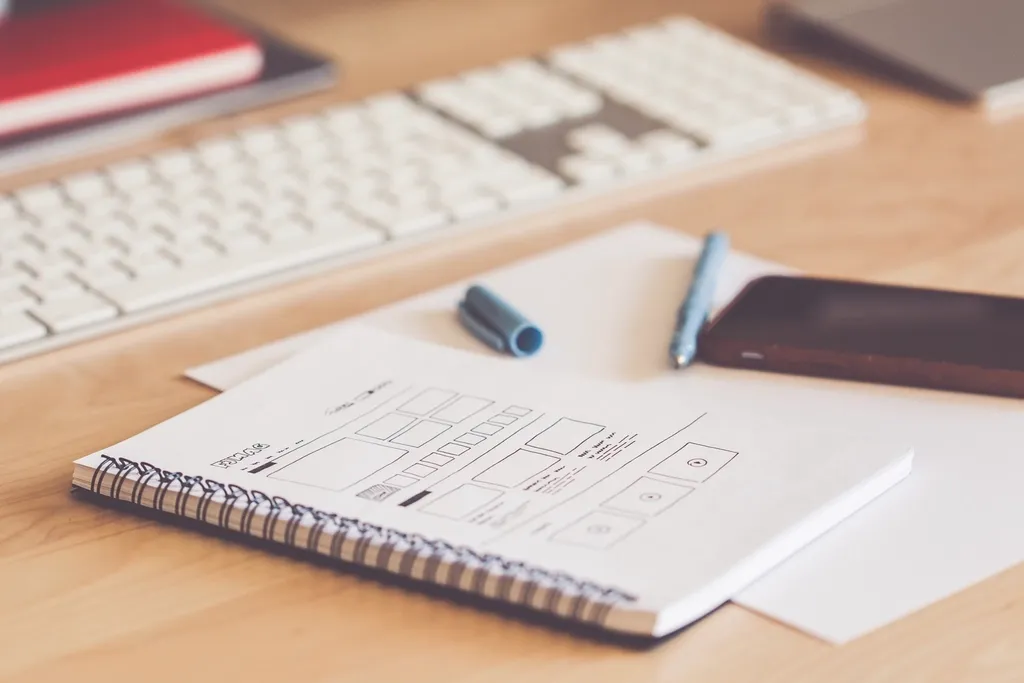
You don’t need to specify fonts, pixel sizes or technical details unless you genuinely have requirements. You also don’t need to design the homepage in the brief. Describe the problem and let the designer propose the solution. If you’ve already sketched a layout, share it as an idea rather than an instruction.
Avoid long lists of “must have” features without thinking about whether customers will use them. Each one adds cost, and some add maintenance for years.
Your next step
Block out an afternoon, open a blank document and work through the list above. Share it with one colleague who deals with customers and ask what’s missing. Then send it to your designer before the first meeting, not after.
If you’d like help turning a brief into a plan, our website design and development process starts with exactly this conversation. And if you’re a small business with a tight budget, the free website offer is worth a look.