Every page on your website should lead somewhere. The thing that does the leading is the call to action: the button, link or form that tells a visitor what to do next. It is usually a handful of words, and it is often the last thing anyone thinks about before a site goes live.
That is a pity, because small changes here can make a real difference to how many visitors get in touch.
What a call to action is
A call to action, often shortened to CTA, is any prompt that asks the visitor to take a step. “Get a quote”, “Book a survey”, “Call us now” and “Download the price list” are all examples. It can be a button, a line of linked text, a phone number or a short form.
A good one answers two questions at once: what will happen if I click this, and why should I?
Say what happens next
The weakest buttons are the vaguest. “Submit”, “Click here” and “Learn more” tell the visitor nothing. Compare them with:
- “Get my free quote”
- “Book a 15 minute call”
- “Check availability”
- “See prices”
Each of those names the result. A useful test is to finish the sentence “I want to…” from the visitor’s point of view. “I want to get my free quote” works. “I want to submit” does not.
Lower the commitment
People hesitate when they are not sure what they are signing up for. A few words under or beside the button can remove that doubt: “No obligation”, “Takes two minutes”, “We reply within one working day”. Only promise what you actually do.
It also helps to match the size of the ask to how ready the visitor is. Someone reading a blog post is not ready to “Buy now”, but they might “See how it works”. Someone on a pricing page probably is ready to talk.
One main call to action per page
Decide on the single most useful thing a visitor could do on each page and make that the primary button. Give it the strongest colour and repeat it at sensible points down the page.
You can offer a second, quieter option for people who are not ready, such as a phone number or a link to examples of your work. What you want to avoid is five buttons of equal weight competing for attention. When everything is highlighted, nothing is.
Where to put it
- Near the top. Some visitors arrive ready. Don’t make them scroll to find the button.
- After you have made a point. Following a list of benefits, a set of reviews or a pricing table is a natural moment to ask.
- At the end. Anyone who has read to the bottom is interested. A page that simply stops wastes that.
- In the header on mobile. A tap to call button or a sticky bar keeps the action within reach of a thumb.
Make it look like a button
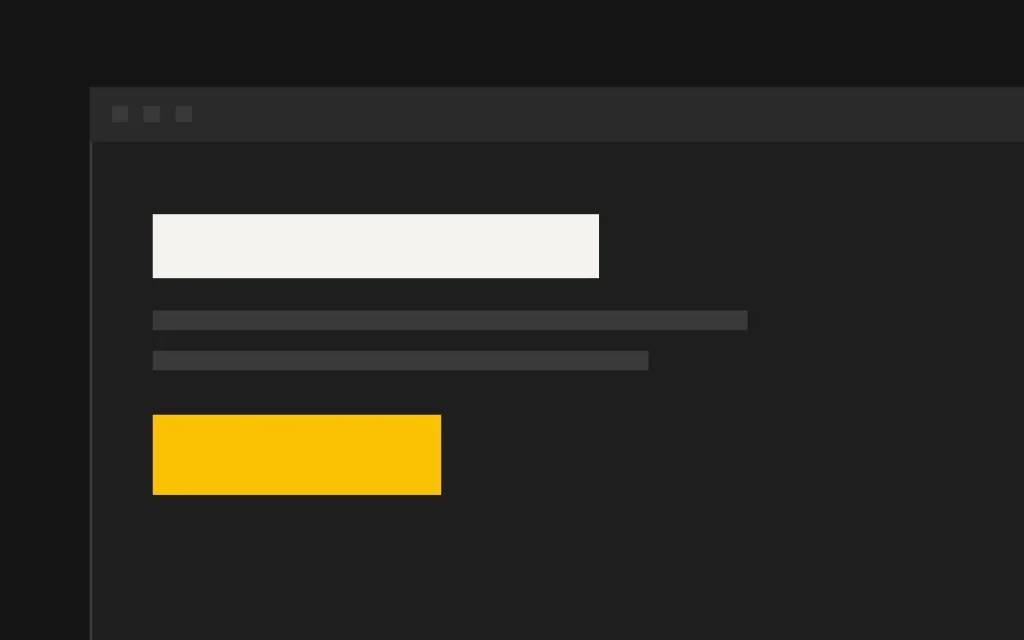
Design matters as much as wording. The button should be the most noticeable thing in its section, with a colour that contrasts clearly with the background and isn’t used for decoration elsewhere. Leave space around it. Make it large enough to tap comfortably on a phone.
Check the contrast between the button text and the button colour too. Pale text on a bright button is a common accessibility failure and it is hard to read in sunlight.
If a visitor has to hunt for the next step, most of them won’t.
Common mistakes
- Hiding the only form on the contact page. Put a short form or button on every service page.
- Asking for too much. A ten field form behind a “Quick quote” button breaks the promise.
- Sending people away. A button that opens your social media profile takes the visitor off your site at the moment they were interested.
- Different wording for the same thing. If one button says “Get a quote” and another says “Request pricing”, visitors wonder whether they lead to different places.
- No confirmation. After the click, say clearly what happens next and when.
Test one change at a time
Pick your busiest page, change the wording of the main button, and compare enquiries over a few weeks before and after. Then try moving it, or adding a reassurance line. Small sites don’t get enough traffic for formal split testing, but a simple before and after comparison is still better than guessing.
Where we come in
Every page we build is planned around one clear call to action, which is the whole idea behind our landing pages. If your current site gets visitors but few enquiries, that is one of the first things we look at in website redesigns.