Ask most business owners to describe their website and they’ll describe the homepage. Ask a visitor and they’ll describe whether they found what they were looking for. That gap is where site structure lives.
Site structure is the unglamorous bit: which pages exist, how they’re grouped, and how people move between them. It’s worth getting right before anyone opens a design tool, because changing it later means reworking menus, links, content and sometimes the whole layout.
Build your site structure around what visitors want, not your org chart
The most common site structure mistake is organising a website the way the business is organised internally. Departments, divisions and product codes make sense to you. They rarely make sense to a customer who just wants to know if you can fix their problem.
Try this instead. Write down the ten most common reasons someone visits your site. Then group them. You’ll usually end up with a handful of clear buckets: the services you offer, who you are, proof you’re good at it, how much it costs or how it works, and how to get in touch.
Sketch a simple sitemap
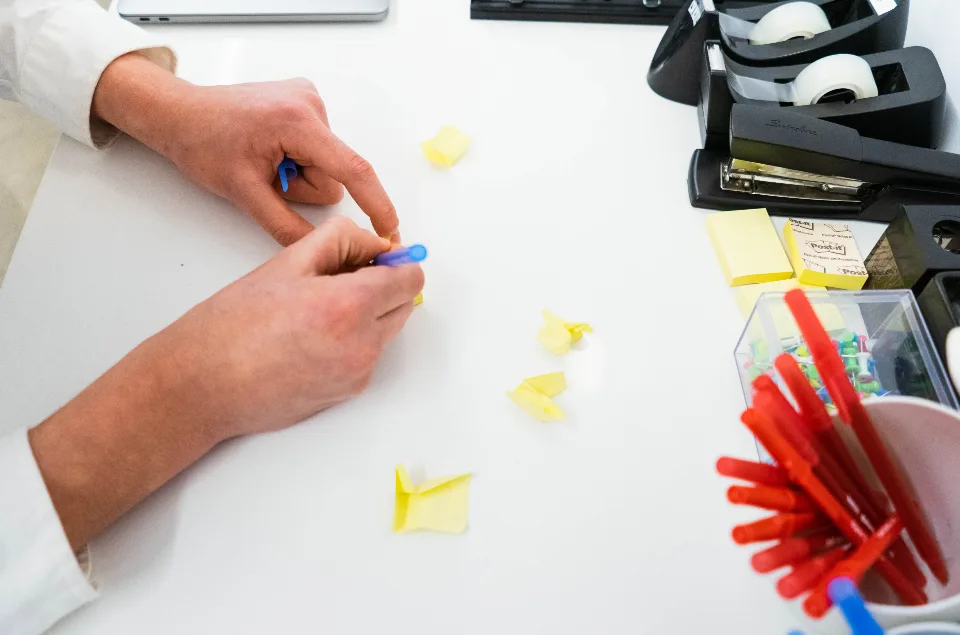
A sitemap here just means a diagram of your pages. Paper and a pen is fine. Put the homepage at the top, your main sections underneath, and individual pages below those.
- Homepage: the front door.
- Main sections: usually services, about, work or results, and contact. Some businesses add pricing, resources or locations.
- Individual pages: one page per service, one per case study, one per location if relevant.
Aim for a structure where any page is reachable within two or three clicks of the homepage. If you find yourself four levels deep, something probably needs merging or promoting.
One service, one page
If you offer several distinct services, give each its own page rather than squashing them into one long “Services” page. It helps visitors, because they land on something specific to their need. It also helps search engines understand what you do, although that’s a topic for another day.
The test is simple: would a customer search for this service on its own? If yes, it deserves its own page. If it’s really a detail of a bigger service, keep it on that page as a section.
Keep the main menu short
Your main menu isn’t a table of contents. It’s a set of signposts. Five to seven top-level items is plenty for most small and medium businesses. Anything beyond that and people stop reading and start scanning, or give up.
- Use plain labels. “Services” beats “What we do”, and “Contact” beats “Let’s talk”.
- Put the most important item first, and the contact link last or as a button.
- Use drop-downs sparingly. On a phone they turn into a menu within a menu.
- Don’t put the same page in the menu twice under different names.
Pages that matter but aren’t everyday destinations, like privacy policies, careers and terms, belong in the footer.
Plan the paths, not just the pages
Menus are only one way people move around. Most visitors land on an inner page from a search or an ad, then decide where to go next based on what’s on that page. So each page needs an obvious next step.
A service page might lead to a relevant case study, then to a contact form. A blog article might lead to the service it relates to. Map two or three of these journeys for your most valuable customers and make sure the links actually exist.
If a visitor lands on any page of your site with no context, they should be able to tell where they are and what to do next within a few seconds.
Test it with real people
Before design starts, show your sitemap to a couple of customers or friends outside the business. Ask them where they’d click to find specific things: your prices, your service area, how to book. If they hesitate, the labels or grouping need work.
It takes twenty minutes and saves a lot of guessing. It also settles internal arguments quickly, because it’s hard to argue with watching someone look for the wrong button.
Where to go from here
Draft your sitemap this week and keep it with your brief. It will shape your content plan, your quote and your design. If you’re rebuilding an existing site, compare your current site structure against what visitors really look for, and note which old pages need to be kept, merged or redirected.
Structure planning is part of every website build we do, and it’s often the first thing we untangle on a website redesign.